Planning
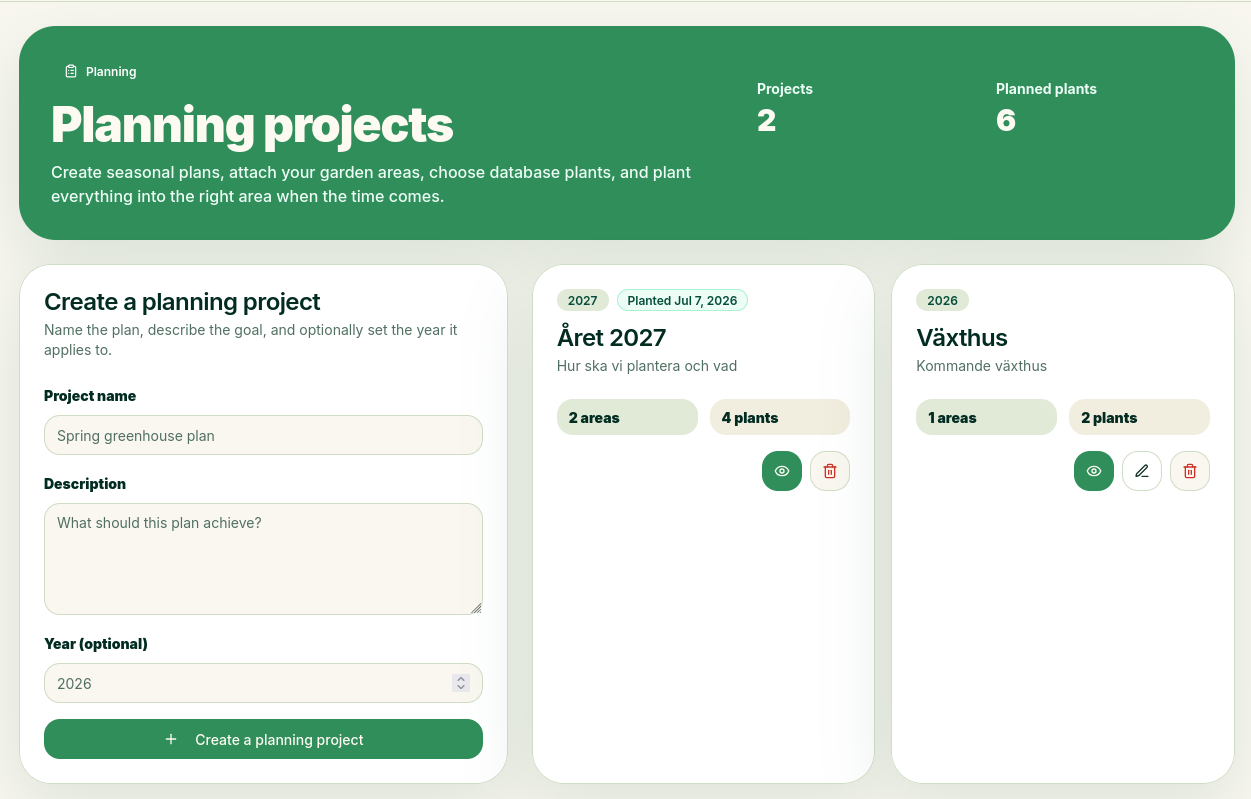
Planning projects are a tool that lets you plan in advance what your next crop or planting will look like. When you create a new planning project, you can select a year. Then OlsGrow will be able to notify you when it’s time to plant the plants.
How to Plan
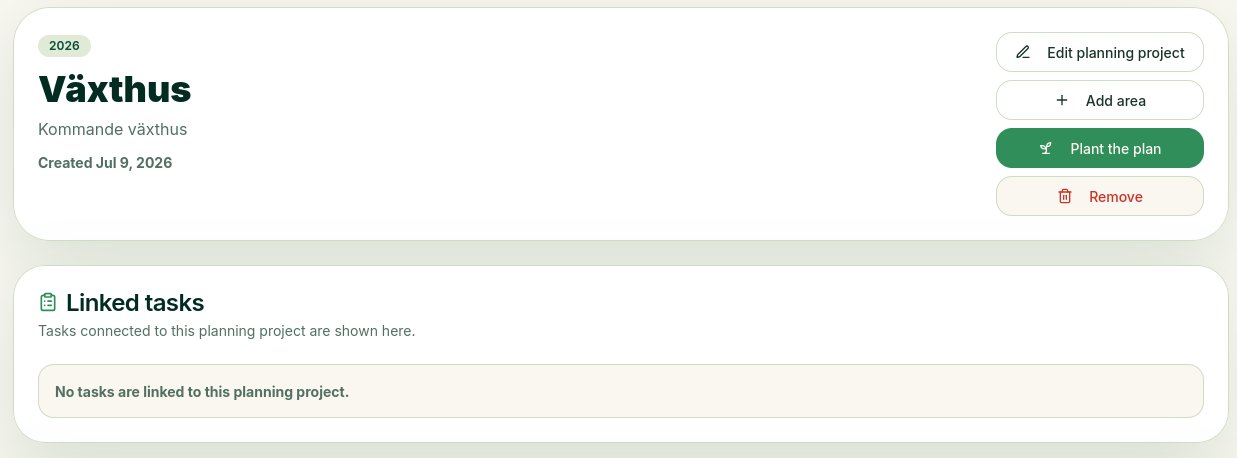
Add Areas
To plan, divide the project into areas, so start by adding an area. You can only add an area once.
Link Tasks
Through Tasks/Calendar, you can link specific tasks to this plan, which will appear in the "Linked Tasks" section.
Plan the Area
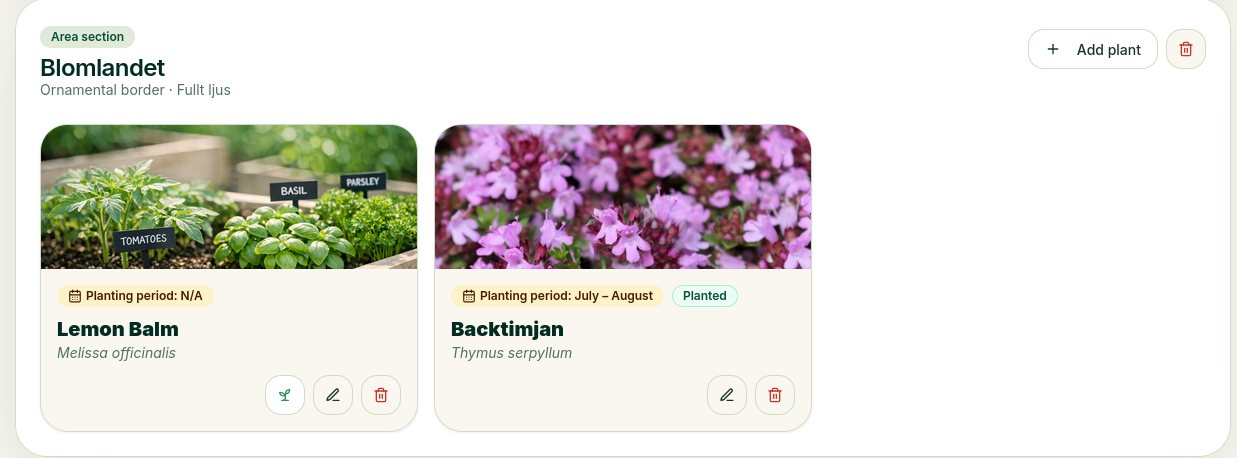
By tapping the button that looks like a pen on each plant, you can write notes—for example, how many to plant, etc. If you want to plant a plant right away, tap the "Plant Now" button on that plant (it looks like a small seedling). You can also plant the entire plan, in which case all the plants will be added to the areas.
Automatic Reminder
If you’ve created a plan and specified a year—let’s say next year—when that year arrives, OlsGrow will check on your plants when it’s time to plant them.
Let’s say you have a plant that should be planted starting in March; you’ll receive a reminder in March to start planting it, so you don’t forget.