Inventory
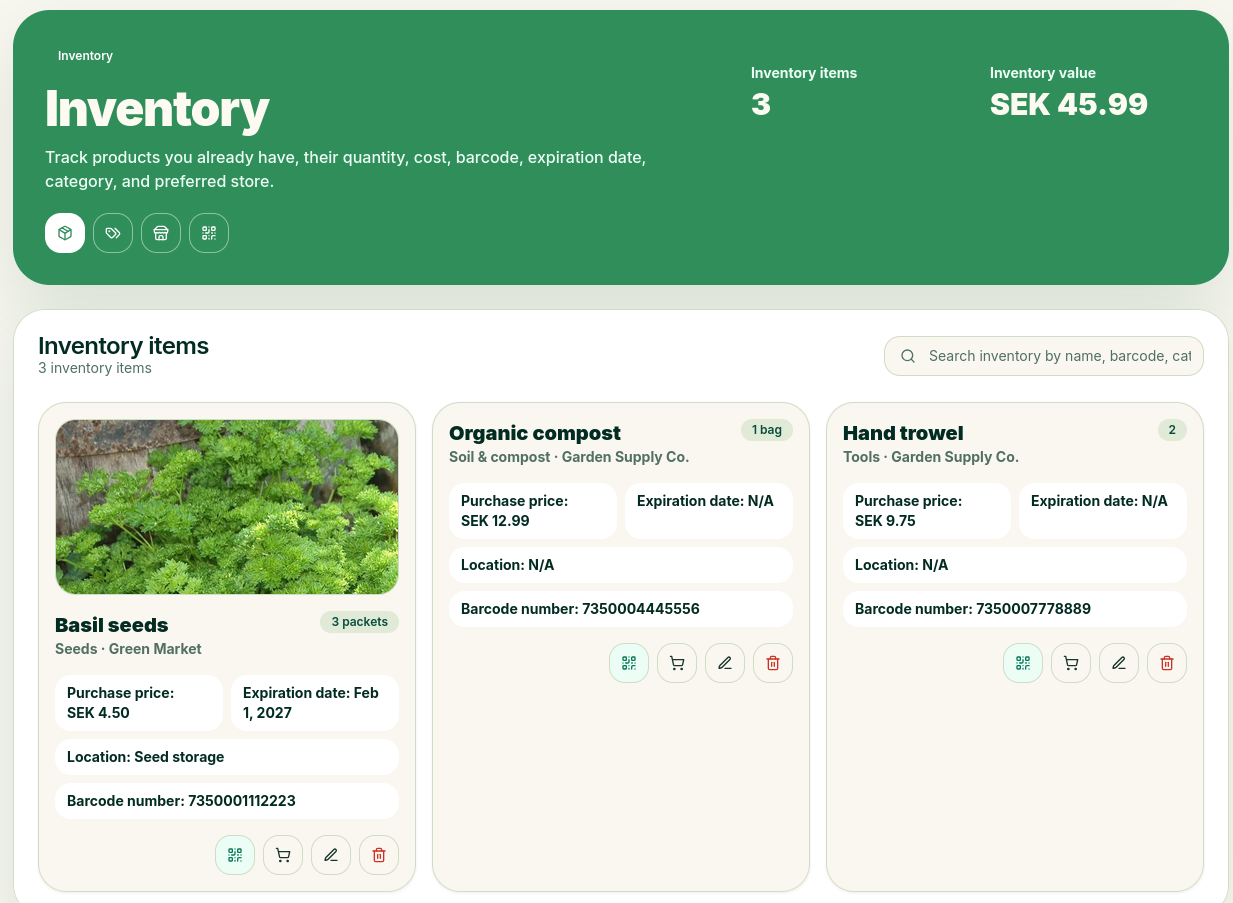
Inventory is a way for you to keep track of your tools, pots, seeds, etc. You’ll also get an overview of the total value if you’ve entered the purchase price.
QR Codes
You can print QR codes for all items in your inventory using the QR code button. Using the built-in QR code scanner, you can scan items and quickly update your inventory.
Add Inventory
When adding a new inventory item, enter as much information as possible to make things easier later. You can scan the barcode using your camera. It is included for future use and has no specific function at this time. It’s a good idea to enter an expiration date if you’re tracking items like seeds that have one; that way, you’ll get a reminder when they’re about to expire.
The purchase price is per item and is used to calculate the value of your inventory.