Identify Plants
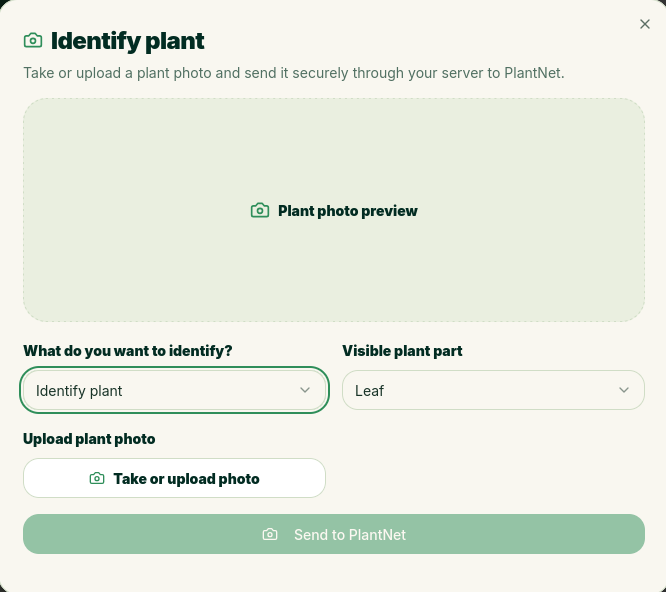
Thanks to the Pl@ntNet API, you can identify and monitor diseases.
Identify a Plant
Tap the camera icon at the top of the page to open the identification window. Select “Identify a Plant” and choose the part you want to photograph. Take a picture of it and send it to Pl@ntNet. Within a few seconds, you’ll receive a response with a list of different plants and the percentage likelihood that it’s the correct one. You can then tap the one you want to add as a plant.
Identify a Disease
Is your plant not doing well? Instead, choose to identify a disease, take a photo, and wait for a response. It will tell you which diseases it thinks might be causing the problem.